There is an abundance of advice out there for wedding photographers: which lenses to bring to every wedding, what to include in contracts or sales agreements, how to sell an album to every couple, where to market or advertise to increase bookings.
However, there are very few tutorials that aim to guide wedding photographers into a smart, streamlined workflow that will help them sell more prints and/or digitals to the guests at the wedding, so we’re stepping up! Here are our top tips for increasing your sales to the guests at the weddings (and other events) that you photograph.
Take the Right Pictures
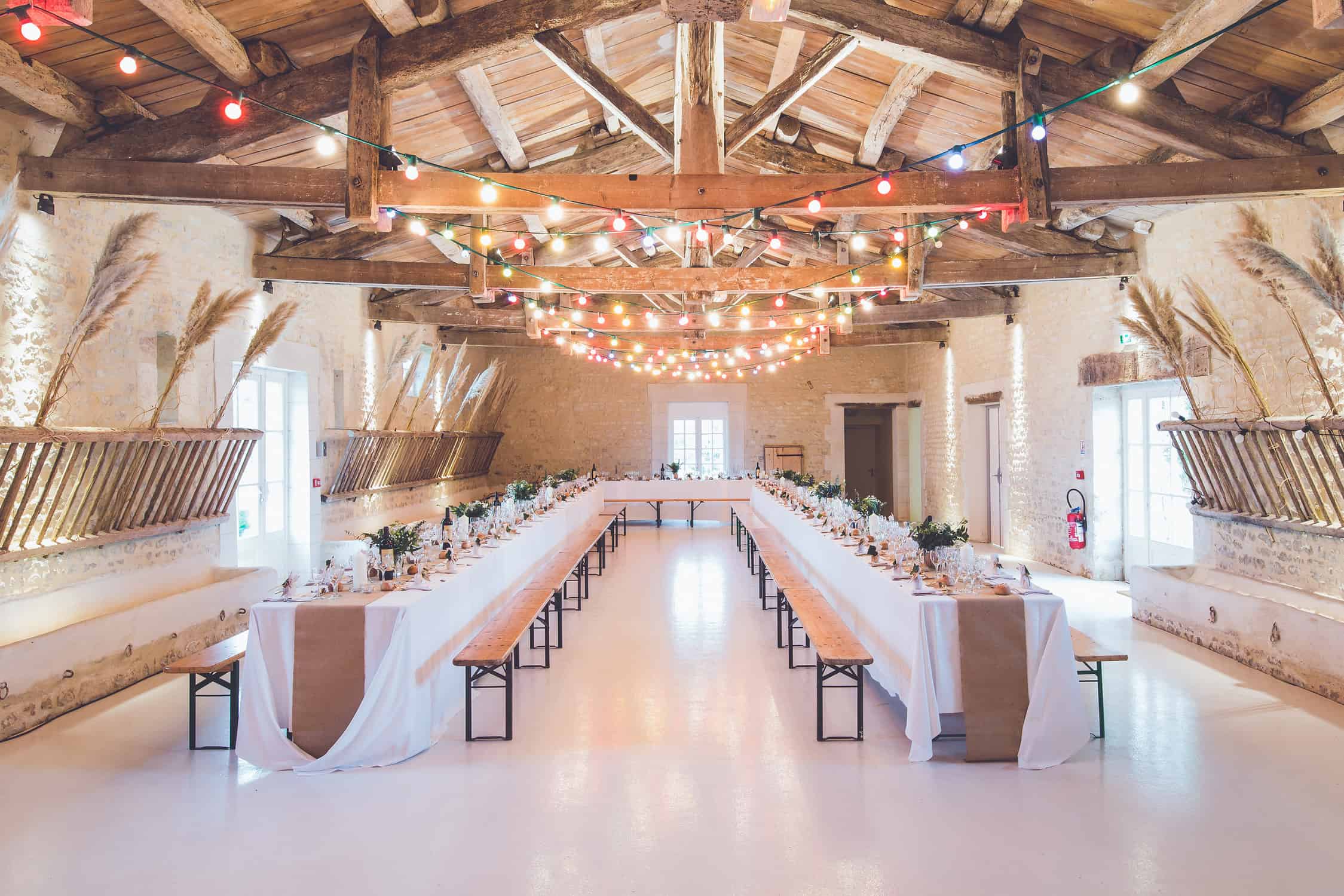
Getting the infamous “shot list” from the bride and groom means the expectations are set early for which shots are must-haves and which can get pushed off if the night’s events go off track. However, if you want Aunt Susie to order a few prints but she didn’t make it into the bride’s “gotta have it” list, the table shot will help cover it. Not only does this give the bride and groom a good record of everyone at their wedding, it also gives those guests a portrait they may buy later. Remember that not every guest dances or commiserates around the bar, so the candid shots may not cover it. Make it your goal to get all guests included in your shots of the reception.
Pitch the “Unplugged Wedding”
Chances are, you’ve either heard of or experienced the phenomenon that is every.single.wedding.guest taking photos on their phones while you’re trying to capture the perfect shot. While it certainly helps your photography to not have to battle with amateur photographers, it also helps your sales with wedding guests after the event if the bride agrees to an Unplugged Wedding. If guests don’t have shots of their own, they’re more likely to order a print or two from you. Talk it over with your clients; if they’re into it, print cards for guests to let them know their pics aren’t welcome. Design Aglow has a super modern set that many brides love, and you can use your clients’ engagement photos on the opposite side to give guests just a taste of how beautiful your imagery really is.
Collect Contact Information
Set up an iPad with the Event Emails iPad App open (or a laptop with the client view of the wedding gallery open in pre-registration mode) and get those friends and family members excited about seeing the final images! Let the bride know you’ll need (or will bring) a decorative sign that matches her wedding’s theme to encourage guests to input their email addresses. iPad on the fritz? Have business cards printed with your ShootProof Homepage URL and let guests know they won’t want to miss the gallery opening. We love Moo Cards because they come in unique shapes and sizes that wedding guests won’t quickly forget about.
Be Organized
When you upload images to the gallery, be sure to think like the client. Grandpa Joe may be unfamiliar with the interwebs, and there’s no way Cousin Paula has three hours to sift through two thousand photos, even though she is pretty tech-savvy. Organize files into albums (that’s our fancy word for “folders”) so guests can find them easily: split them up by time (ceremony, cake cutting, dancing, table shots, etc.) and/or by who is featured in them (bride/groom, immediate family, guests). Use the Desktop Uploader, and this process is a snap!
Look at Product Offerings
Since you likely will have little (or no) contact with the guests after the wedding, you need your galleries to sell themselves. Luckily, you have ShootProof, so that’s taken care of. Seriously, though, take a look at the items you’re offering for sale and be sure they make sense to the average consumer. Most people know what prints and canvases are, but are they familiar with metals and deep matte prints? Utilize the description area to explain with words AND images what those products will do for the buyer, not just what they are physically. Give them a reason to buy a particular product instead of just a cheap set of wallets.

Open the Floodgates
When the gallery is ready for viewing, send an email to all of those guests who registered at the wedding. However, be sure your email is short, concise, and has a subject line that clients won’t immediately report as SPAM. (Think “John & Joy’s Wedding Gallery is LIVE!” instead of “A message from Smith Photography.”) Then, set up email automations to keep potential clients in the know without bothering them.
Set Limits
Be sure to set clear expectations to guests for gallery expiration, sales and promotion end dates, and product delivery dates. Create a sense of urgency that encourages people to make purchases, but don’t get overly pushy! You may wish to test to find that sweet spot, which is the line between shutting down the gallery before people have time to place orders and leaving it up so long that no one even remembers it.
Follow Up
Just because it’s been a while doesn’t mean a sales opportunity doesn’t exist. Think about times when clients are likely to make extra purchases (the holidays, for example) and gently remind them that photographs are a great investment. We love Design Aglow’s Virtual Postcards, which bridge the gap between calling people one by one and sending generic mass emails.
Have a few great tips and tricks to share with other event photographers? Post them in the comments below!
Not taking advantage of ShootProof’s features yet? Sign up for a free 30-day trial now.
You May Also Enjoy…
Contributor